Quick answer
Google Shopping ads are paid product listings that show a photo, title, price and store name in Google results. Google builds them from the product feed you send to Merchant Center and matches them to searches by product data, not keywords. You pay per click. Feed quality and margin-based ROAS targets decide whether they make money.
Key takeaways
- Shopping ads match searches to your Merchant Center product data instead of keywords, so titles, GTINs, product types and images decide which searches you can win.
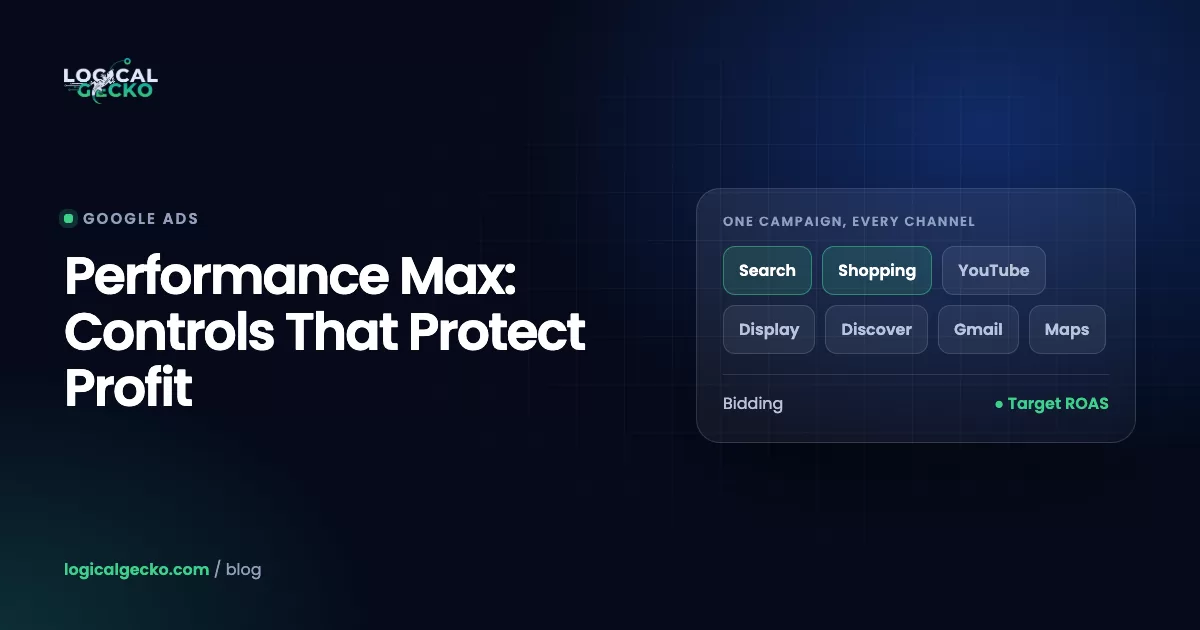
- Standard Shopping gives you product group bids, negative keywords and campaign priority; Performance Max adds YouTube, Display, Gmail and Maps, and Google serves whichever campaign has the higher Ad Rank.
- Tag products by margin with custom_label_0 and give each tier its own target ROAS: with a 10% profit goal, a 60% margin needs 2.0x but a 25% margin needs 6.67x.
- When Shopping ads stop showing, check four causes in order: disapproved or excluded products, a suspended or unlinked Merchant Center, a spent budget, and a ROAS target set too high.
- The $0.66 Shopping CPC most guides quote is 2018 to 2019 data, so calculate your own maximum CPC as order value × conversion rate ÷ target ROAS.
On this page
- What are Google Shopping ads?
- How do Google Shopping ads work without keywords?
- Standard Shopping vs Performance Max: which should you run?
- How do you set up Google Shopping ads step by step?
- How do you structure Shopping campaigns for profit?
- How do negative keywords work in Shopping campaigns?
- How do you optimize a Google Shopping feed?
- Why are your Google Shopping ads not showing?
- How much do Google Shopping ads cost?
- FAQ
What are Google Shopping ads?
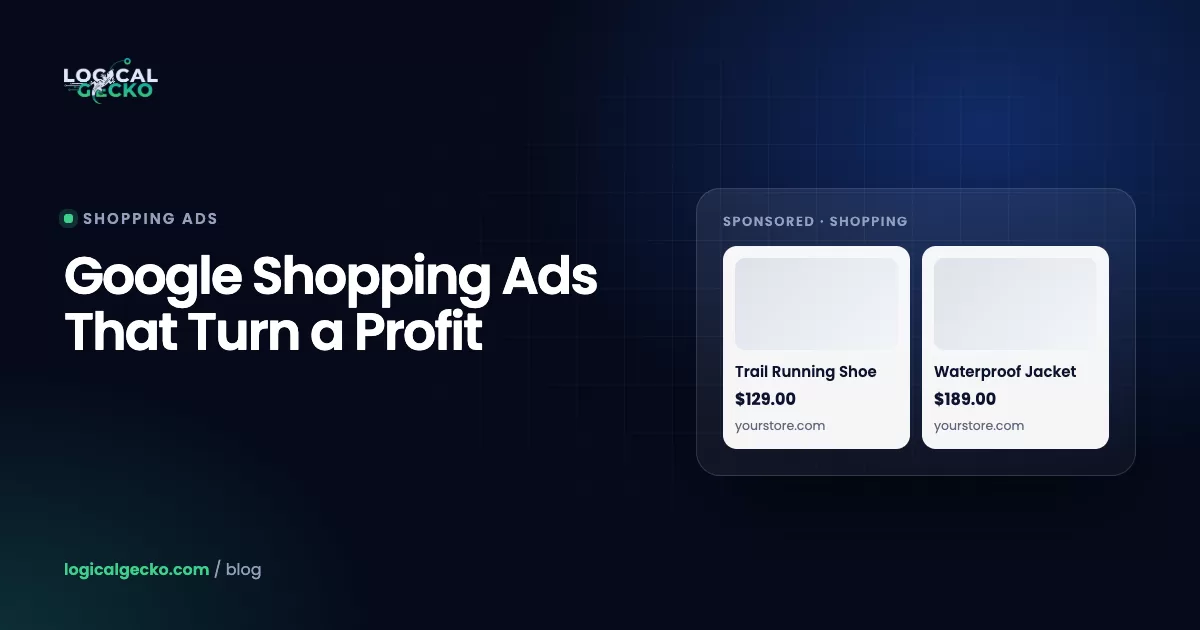
Google Shopping ads are paid product listings that show a photo, title, price and store name in Google results. Google builds them from the product data you submit to Merchant Center, and a Standard Shopping campaign charges you per click, only when someone clicks through to your product page (About Shopping ads). Google's original name for the format was product listing ads, and many advertisers still call them PLAs.
Where they show depends on the campaign type. Standard Shopping serves on the Shopping tab, Google Search, Google Images and, if you leave the setting on, search partner sites. Performance Max uses the same feed and adds YouTube, Display, Gmail, Demand Gen and Maps. Several of your products can show for one search, beside your own text ad.
Because price and product are settled before the click, Google describes these clicks as further down the purchase funnel than an average visit. Free listings use the same data at no cost; the Google Merchant Center guide compares the two.
How do Google Shopping ads work without keywords?
Google Shopping ads work by matching each search to your product data, not to keywords you choose. Google reads your titles, descriptions, categories and identifiers, picks the products that fit the search, and enters them in an auction where your bid and listing quality set Ad Rank. You pay when someone clicks.
That makes the feed the real lever. A higher bid buys more of the searches you already match; a better feed changes which searches you match at all. Five parts carry most of the weight:
| Feed data | What Google uses it for | What goes wrong |
|---|---|---|
| Title | The main match signal, and the text people read first | Internal names such as "TR-200 Black" that nobody searches for |
| GTIN and brand | Identify the exact product for model searches and price comparison | Missing or invented GTINs; "Generic" as the brand |
| Product type and custom labels | Your own categories and tags for splitting product groups and bids | Empty fields, so every product sits in one "All products" group |
| Images | The first thing people see | Promo text, logos or watermarks, which get products disapproved |
| Price | Shown in the ad and compared with other stores | A price well above the benchmark, or one that differs from the page |
Merchant Center's Analytics › Pricing tab compares your prices with a benchmark from other retailers, but only for products with a valid GTIN.
Standard Shopping vs Performance Max: which should you run?
Run Standard Shopping when you want control over bids, search terms and which products get budget. Run Performance Max when you want reach across every Google channel and have the conversion history to feed full automation. Both read the same feed, and many stores run both.
| Standard Shopping | Performance Max | |
|---|---|---|
| Where ads show | Shopping tab, Search, Images, search partners | All of those plus YouTube, Display, Gmail, Demand Gen and Maps |
| How you pay | Cost per click | For performance across formats, such as clicks or impressions |
| Bid strategies | Manual CPC, Maximize clicks, Maximize conversion value, Target ROAS | Maximize conversion value (optional target ROAS) or Maximize conversions (optional target CPA) |
| Bids by product group | Yes, a max CPC per product group | No; listing groups only choose which products are in |
| Negative keywords | Campaign and ad group level | Campaign level, up to 10,000, on Search and Shopping inventory only |
| Campaign priority | Low, Medium or High | Not available |
| Best fit | Hero products, thin margins, finding which searches convert | Broad catalogs with steady conversion volume and creative assets |
When both campaign types can show the same product, Google serves the one with the higher Ad Rank (How Performance Max interacts with other campaigns). Campaign priority only settles overlaps between Standard Shopping campaigns.
Tinuiti's Q4 2025 benchmark report found Performance Max took 62% of Shopping ad spend for brands running both types and produced 61% of their Shopping ad sales, at a ROAS 1% below Standard Shopping. Video and non-shopping inventory made up 39% of PMax spend in December 2025.
Google is also testing AI Max for Shopping, a beta that rewrites titles to fit each search. Google says advertisers who turn it on typically see 5% more conversions or conversion value at a similar CPA or ROAS, citing internal 2026 data. The Performance Max campaign guide covers PMax in depth.
How do you set up Google Shopping ads step by step?
Set up Shopping ads in this order: approved products, purchase tracking with order values, the account link, then the campaign. A campaign built on an unapproved feed has nothing to serve.
- Get products approved in Merchant Center. Verify your website, add shipping and return policies, and connect your store: the Google & YouTube app on Shopify, Google for WooCommerce, or the Google Shopping channel in BigCommerce. Clear every issue under Needs attention. The Merchant Center setup guide covers each screen.
- Track purchases with order values. Value-based bidding needs a purchase conversion that passes the order value, and Target ROAS in Shopping needs at least 15 conversions in the past 30 days. The conversion tracking guide shows how to check what your tag sends.
- Link the accounts. In Merchant Center, go to Settings › Access and services › Apps and services › Add service, select Google Ads, pick your account and select Link.
- Create the campaign. In Google Ads, select the plus button, then New campaign. Choose the Sales objective, then Shopping, and continue with a Shopping campaign instead of Performance Max. Select your Merchant Center account; it can't be changed later.
- Set budget, bidding and reach. On the Budget and bidding optimization page, pick the bid strategy, daily budget and campaign priority. With little conversion data, start on Manual CPC or Maximize conversion value without a target. Then target the countries you ship to.
- Split the product groups. In the ad group, open Product groups and select + next to "All products". Subdivide by custom label, product type, brand or item ID, up to 7 levels deep. A product outside every active group shows as Excluded and never serves.
- Publish and wait. Select Publish campaign. Google takes 24 to 48 hours to review new products and ads, so judge delivery after two days.
Selling in physical stores too? Google says local inventory ads will run by default in Shopping campaigns and asked advertisers to review settings before August 2026 (Create a Shopping campaign). Inventory filters keep online and local budgets apart.
How do you structure Shopping campaigns for profit?
Structure Shopping campaigns by margin, not by your store menu. One "All products" campaign gives every product the same bid or ROAS target, so high-margin products fund low-margin ones, and the low-margin ones lose money at a ROAS that looks healthy in the report.
Tag products with custom labels
Custom labels are five optional feed fields, custom_label_0 to custom_label_4, whose meaning you define. Each takes one value per product, with up to 1,000 unique values per label, and people never see them (custom label specification). This scheme covers most stores:
| Label | Meaning | Example values |
|---|---|---|
custom_label_0 | Margin tier | margin_high (50% or more), margin_mid (30 to 49%), margin_low (under 30%) |
custom_label_1 | Price band | under_50, 50_to_150, over_150 |
custom_label_2 | Sales status | bestseller, steady, no_sales_90d |
custom_label_3 | Season | summer, holiday, evergreen |
custom_label_4 | Promotion | clearance, new_arrival, full_price |
Set the values in your platform's feed app, or in Merchant Center: turn on Settings › Add-ons › Advanced data source management, then add a supplemental Google Sheet with id and label columns under Settings › Data sources, or write attribute rules on your primary source.
Split campaigns by margin tier
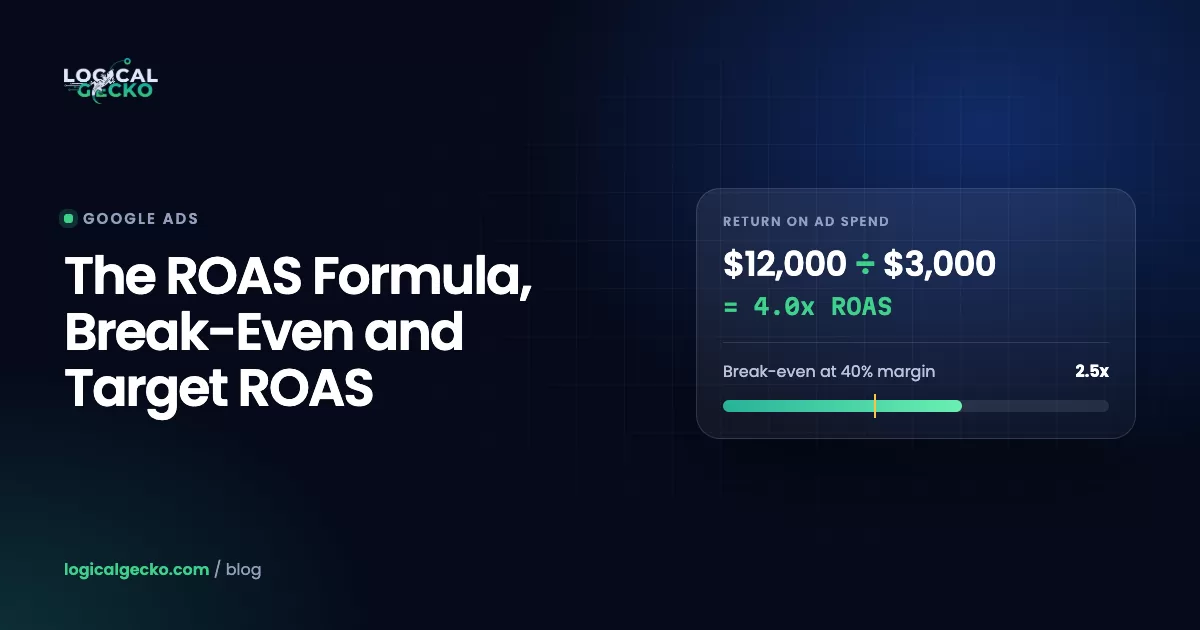
Give each margin tier its own campaign, or at least its own product group, with its own target. Break-even ROAS is 1 ÷ your contribution margin, and the target that keeps a set profit is:
1 ÷ (Contribution margin − Profit goal)The ROAS formula guide shows how to calculate the contribution margin these targets depend on.
We use this structure on large catalogs. On Oil-Stores, an auto parts store selling in Greece and Cyprus, Shopping tiers were set by product margin and category, and best-selling lines were isolated. Its Performance Max, Shopping and Brand Search campaigns produced €322,276 in tracked conversion value on €15,908 of spend from January to July 2026, a 20.26x ROAS.
Bid with target ROAS once the data supports it
Enter target ROAS as a percentage: $5 in sales per $1 of spend is 500%. Start near the ROAS the campaign delivered over the last 30 days, then step toward your margin target. Google says significant bid or budget changes trigger a 5 to 14 day learning phase, so give each step two weeks.
How do negative keywords work in Shopping campaigns?
Negative keywords are your main control over which searches a Shopping campaign pays for, because you can't add positive keywords at all. Standard Shopping takes negatives at the campaign and ad group level. Performance Max takes up to 10,000 campaign-level negatives, applied to Search and Shopping inventory only.
Each week, open Insights and reports › Search terms, sort by cost, and exclude terms that spent without converting. The usual leaks:
- Research and DIY searches: "how to build", "diy", "plans", "ideas"
- Price words outside your range: "cheap", "free", or "used" if you only sell new
- Parts and repair searches when you sell the whole product, or the reverse
- Brands you don't stock, matched through similar titles
Terms no campaign should buy go in the account-level list, which holds up to 1,000 negatives. Fire Pit Surplus, a Shopify store selling outdoor fire pits, excluded research and DIY queries and audited search terms continuously; over roughly seven months the account delivered $220,000 in sales at 8.6x ROAS on $25.6K of spend.
How do you optimize a Google Shopping feed?
Optimize the feed in the order that widens reach the most: titles, then identifiers, categories, images and price. Each fix adds searches your products can match.
Use a title formula for your category
Google allows 150 characters per title and says people usually notice only the first 70 or fewer, so the words people search for go first (title specification). Google's title rules ban prices, shipping offers, sale text and your store name, and products that break them get disapproved.
| Category | Title formula | Example |
|---|---|---|
| Apparel | Brand + Gender + Product type + Material + Color + Size | Acme Women's Merino Wool Crew Neck Sweater, Navy, M |
| Electronics | Brand + Product line + Model + Key spec + Color | Acme Pulse 3 Wireless Earbuds, Noise Canceling, Black |
| Home and furniture | Brand + Material + Product type + Dimensions + Color | Acme Solid Oak Coffee Table, 48 x 24 in, Natural |
| Beauty | Brand + Product line + Product type + Key attribute + Size | Acme HydraGlow Vitamin C Serum, Fragrance Free, 1 fl oz |
| Auto parts | Brand + Part type + Vehicle fit + Part number | Acme Front Brake Pads for Honda Civic 2016 to 2021, AC1234 |
| Outdoor | Brand + Size + Fuel type + Product type + Material | Acme 42 in Propane Fire Pit Table, Cast Aluminum |
Before: "EMBER 42 BLACK FREE SHIPPING"
- No product type, so "fire pit table" searches miss it
- No fuel type, a key detail people search by
- All caps and promo text break Google's title rules
After: "Acme 42 in Propane Fire Pit Table, Cast Aluminum, Black"
- Matches "propane fire pit table" searches
- Size and fuel type sit in the first 70 characters
- Shipping offer moved to the shipping attribute
Fire Pit Surplus rebuilt its Shopping titles around fuel type, size and material, the attributes people use to search for fire pits.
Run this feed checklist
- A GTIN on every product that has one, which in North America is the 12-digit UPC. Never invent one; private-label products use brand plus MPN.
- The real maker as the brand, never "Generic".
- A full breadcrumb in product type, such as
Home > Outdoor > Fire Pits. Only the first value counts for Shopping bids and reports. - Variant attributes (color, size, material, gender) filled, with a separate image per variant.
- Images of at least 500 x 500 pixels, the minimum Google enforces from January 31, 2027, with no added text, logos or watermarks.
- Price and availability that match the page. Mismatched prices get products disapproved.
- A daily sync. Feed products expire 30 days after their last refresh.
Feed work like this sits at the center of our Merchant Center management, because every campaign type reads the same product data.
Why are your Google Shopping ads not showing?
Google Shopping ads stop showing for four main reasons: the products aren't eligible, the Merchant Center account is suspended or unlinked, the budget is spent, or bids and ROAS targets are too tight to win auctions. Check in that order; Google's troubleshooting checklist lists 20 causes in all.
| Symptom | Likely cause | Where to check | Fix |
|---|---|---|---|
| Some products never get impressions | Disapproved, out of stock, expired, or outside every product group | Merchant Center Needs attention tab; Google Ads Product groups | Fix the listed issue; add the products to an active group |
| Every Shopping and PMax campaign stops at once | Merchant Center suspended, or the Google Ads link removed | Merchant Center notifications; Settings › Access and services | Fix the policy issue and request a review; relink |
| Ads stop partway through the day | Daily budget spent | Campaign status shows Limited by budget | Raise the budget or move spend to profitable product groups |
| Few impressions and unspent budget | Bid or target ROAS too high to win auctions | Auction insights with Shopping selected | Lower the target in steps, or drop it while volume rebuilds |
| No impressions in one country | No shipping set for that country, or feed and campaign targeting don't match | Merchant Center shipping policies and data sources | Add shipping; align feed country and language with the campaign |
A suspension does the most damage, because it switches off every campaign that uses the feed. Misrepresentation suspensions hinge on contact details, policies, pricing and claims. The Merchant Center misrepresentation fix guide walks through the audit and the review request.
How much do Google Shopping ads cost?
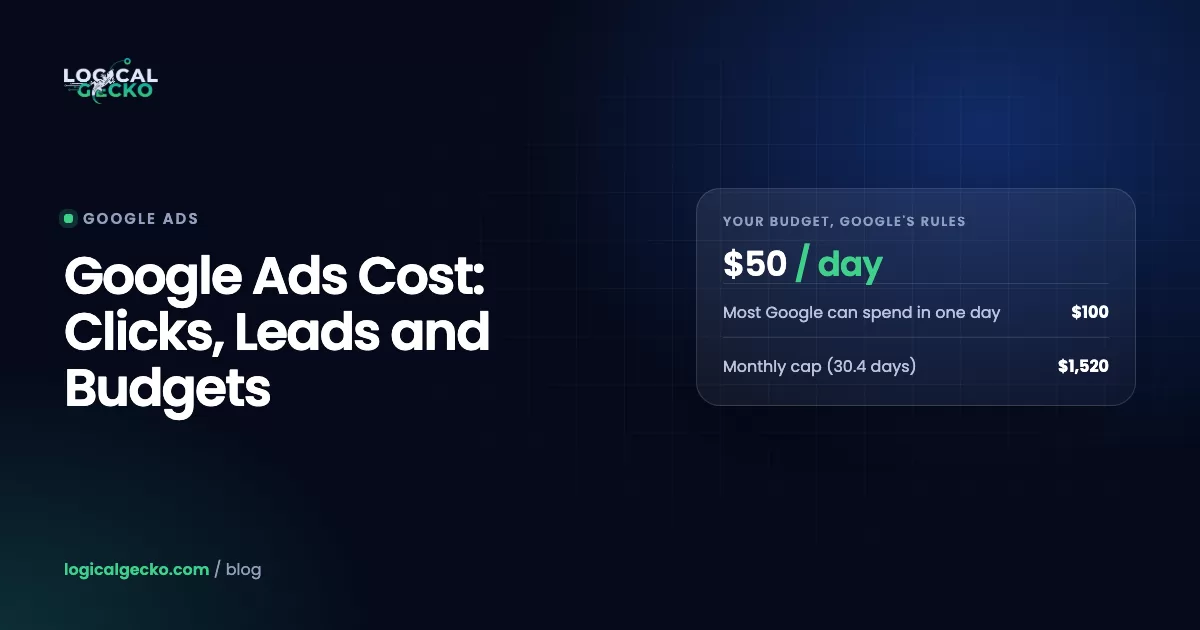
Google Shopping ads cost what you choose to spend: there is no minimum, Standard Shopping charges per click, and the auction sets each click's price. The benchmark most guides quote, a $0.66 average cost per click, comes from WordStream's study of 671 US accounts between August 2018 and February 2019. The same study put the conversion rate at 1.91% and the cost per conversion at $38.87.
Treat those figures as dated; we have not found a newer public, all-industry US study. Tinuiti's Q4 2025 report found Shopping ad spend up 16% year over year with average CPC down 1%, after Amazon stopped running nearly all US Google Shopping ads in July 2025. Shopping clicks grew while their price held flat, unlike the rising Search CPCs in the Google Ads cost guide.
Your own numbers matter more than any average:
Average order value × Conversion rate ÷ Target ROASTake a store with a $90 average order and a 40% contribution margin that wants 10% profit. It needs a 3.33x target, so it can spend $27 to win each order ($90 ÷ 3.33). What that allows per click depends on how many clicks buy:
| Conversion rate (illustrative) | Clicks per order | Max CPC at $27 per order |
|---|---|---|
| 1.0% | 100 | $0.27 |
| 1.5% | About 67 | $0.41 |
| 2.0% | 50 | $0.54 |
| 3.0% | About 33 | $0.81 |
At the 2019 benchmark of $0.66 per click, this store needs about 2.4% of clicks to buy just to reach its target. Below that rate, the fix is a better feed, price or product page, not a bigger budget. If you want that math run across your catalog, our eCommerce Google Ads management builds Shopping campaigns around margin tiers from the first day.
Frequently asked questions
Are Google Shopping ads free?
No. Shopping ads are paid placements, and Standard Shopping campaigns charge per click when someone clicks through to your product page. Google also runs free listings, which use the same Merchant Center data and show products on Search, the Shopping tab and Images at no cost. Most stores run both: free listings for unpaid reach, and Shopping ads for the paid positions and the volume a budget controls.
Are product listing ads the same as Google Shopping ads?
Yes. Product listing ads, or PLAs, was Google's original name for the format now called Shopping ads. The mechanics are the same: an image, title, price and store name pulled from your Merchant Center feed and matched to searches by product data rather than keywords. Many agencies and reporting tools still say PLA, so treat the two terms as interchangeable.
Can you add keywords to a Google Shopping campaign?
No. Shopping campaigns have no keyword targeting. Google decides which searches match your products from the titles, descriptions, categories and identifiers in your feed. You can add negative keywords to block searches you don't want: at the campaign or ad group level in Standard Shopping, and at the campaign level in Performance Max. To reach a new search phrase, add its words to the product title.
Do Google Shopping ads actually work?
Yes, for products people search for by name or type, priced in line with other stores, with margins that cover the click cost. They work poorly for products nobody searches for or prices well above the benchmark. Oil-Stores, an auto parts catalog with Shopping tiers set by margin and category, produced €322,276 in tracked conversion value at 20.26x ROAS over seven months.
What are the benefits of Google Shopping ads?
Shopping ads show the product, the price and your store name before the click, so the people who click have already seen your price. You don't manage keywords, several of your products can appear for one search, and a Shopping ad can show beside your text ad. Reporting breaks results down by product, brand and category, which makes it simple to find and cut the products that lose money.
Does Google Shopping still exist?
Yes. The Shopping tab, free listings and Shopping ads all still run in 2026, and Google's help center documents Standard Shopping campaigns alongside Performance Max and a new AI Max for Shopping beta. The competition changed instead: Amazon stopped running nearly all US Google Shopping ads in July 2025, and Tinuiti measured its US Shopping impression share against the median retailer at 0% in Q2 2026.
What is the difference between Google Shopping ads and Search ads?
Search ads are text ads triggered by keywords you choose. Shopping ads are image and price ads that Google triggers from your product feed. Shopping suits specific products, because people compare the photo and price before clicking. Search suits brand terms, broad category queries and research searches where a text ad and a category page convert better. If you sell products, run both and judge each on ROAS.
Sources22 references
- Google Ads Help: About Shopping ads
- Google Ads Help: Create a Shopping campaign
- Google Ads Help: Manage a Shopping campaign with product groups
- Google Ads Help: Use campaign priority for Standard Shopping campaigns
- Google Ads Help: How Performance Max interacts with other campaigns in your account
- Google Ads Help: About AI Max for Shopping campaigns (beta)
- Google Ads Help: Negative keywords in Performance Max campaigns
- Google Ads Help: Add negative keywords to campaigns
- Google Ads Help: About Target ROAS bidding
- Google Ads Help: How to fix a Google Ads Shopping campaign not running or low traffic
- Google Ads Help: Link a Google Ads account to Merchant Center
- Google Merchant Center Help: Title [title] and structured title [structured_title]
- Google Merchant Center Help: GTIN [gtin]
- Google Merchant Center Help: Product type [product_type]
- Google Merchant Center Help: Custom labels [custom_label_0] to [custom_label_4]
- Google Merchant Center Help: Image link [image_link]
- Google Merchant Center Help: About Pricing in Merchant Center Analytics
- Google Merchant Center Help: Set up your attribute rules
- Google Merchant Center Help: Create a product data source (supplemental sources)
- WordStream: Google Shopping Ads Benchmarks (671 US accounts, August 2018 to February 2019)
- Tinuiti: Digital Ads Benchmark Report Q4 2025 (published January 14, 2026)
- Tinuiti: Digital Ads Benchmark Report Q2 2026

Safeer leads strategy at Logical Gecko, a Google Partner and Shopify Partner agency that runs Google Ads for eCommerce and home-service brands and recovers suspended Merchant Center accounts. Everything in these guides comes from work on live client accounts. More about the team.