Google Ads14 min read
ROAS Formula: How to Calculate ROAS and Break-Even ROAS
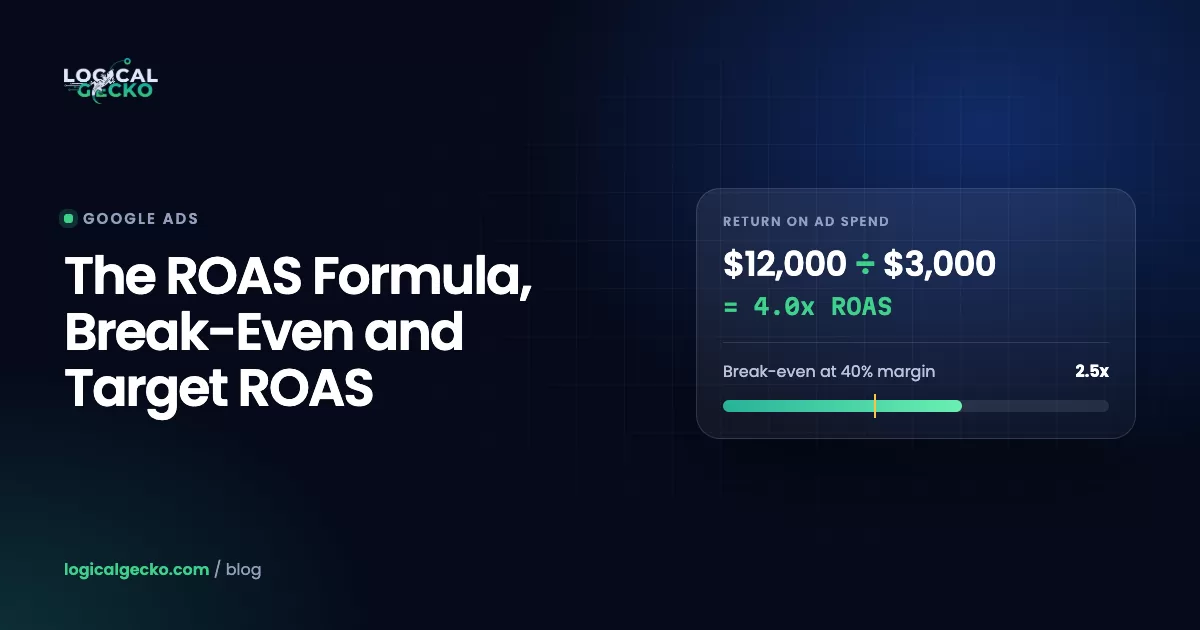
The ROAS formula with worked examples, break-even ROAS (1 ÷ margin), a margin table and target ROAS math, so you know which ROAS actually makes you money.

Google Ads guides
How to measure what your ads really earn, fix the tracking Smart Bidding depends on, and optimize toward profit instead of clicks.
Google Ads14 min read
The ROAS formula with worked examples, break-even ROAS (1 ÷ margin), a margin table and target ROAS math, so you know which ROAS actually makes you money.
Google Ads14 min read
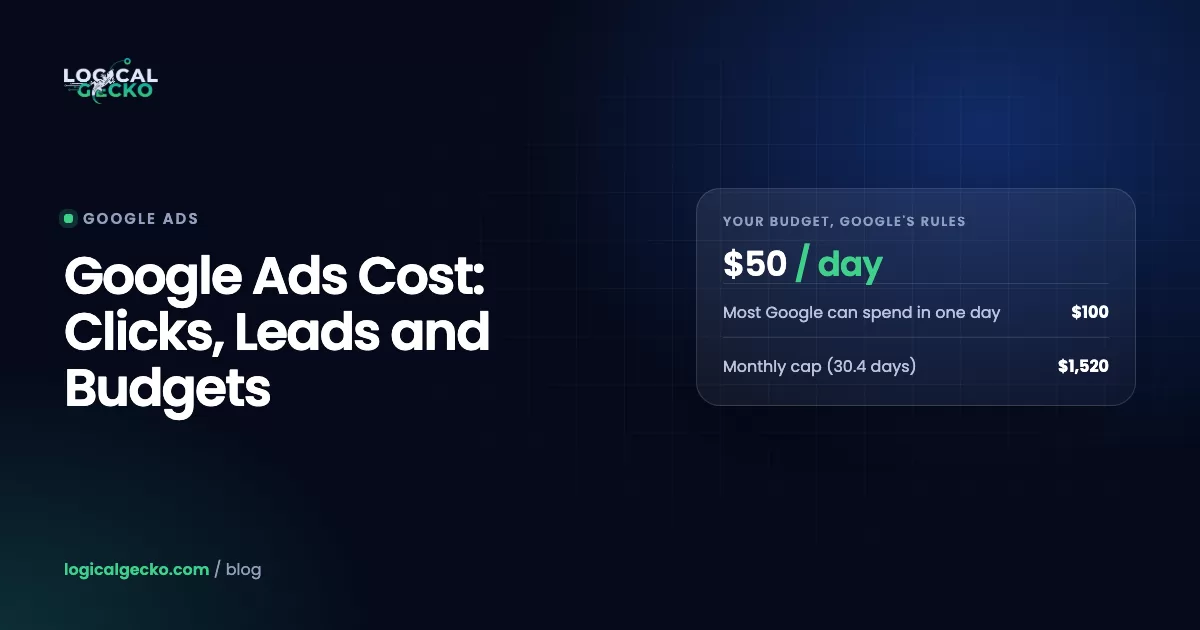
How much does Google Ads cost in 2026? Average CPC and cost per lead by industry, the daily budget rules, and how to set a budget from your own numbers.
Google Ads13 min read
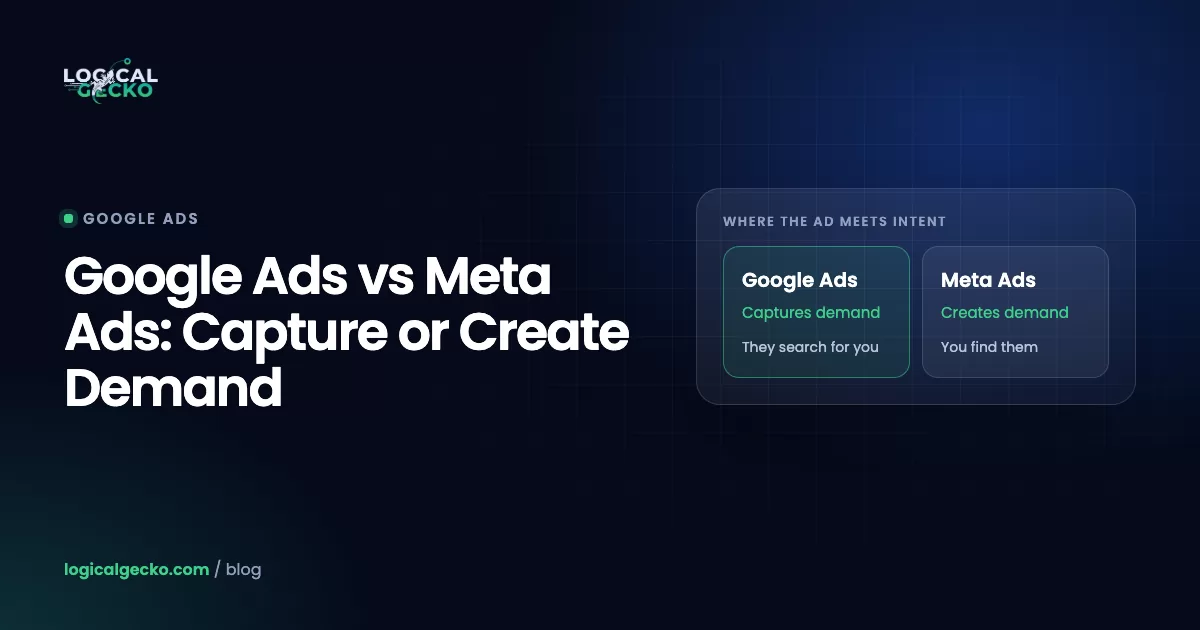
Google Ads vs Facebook Ads compared on intent, targeting, CPC vs CPM costs, eCommerce and local fit, budget splits and fair measurement, so you pick right.
Google Ads19 min read
Set up Google Ads conversion tracking correctly in 2026: GTM steps, enhanced conversions, offline imports, Consent Mode v2 and how to verify it works.
Google Ads16 min read
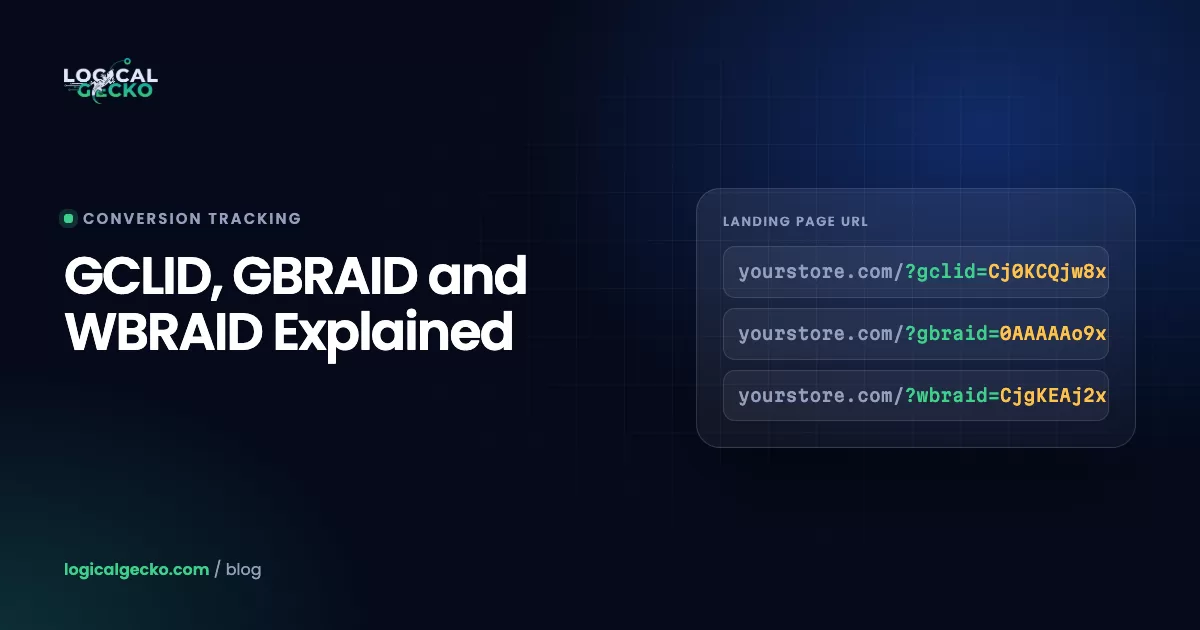
What GCLID, GBRAID and WBRAID are, when Google uses each one, and how to capture them in forms and your CRM for accurate offline conversion imports.
Most underperforming accounts we audit share the same root problem: Google is optimizing toward the wrong signal. Smart Bidding can only chase what your conversion tracking reports, so a missing purchase value, a double-counted lead or a lost click ID quietly steers your whole budget in the wrong direction.
That's why these guides start with measurement. Get conversion tracking right first, and make sure every lead keeps its GCLID, GBRAID or WBRAID so offline sales can flow back into Google Ads. Then judge performance with the right yardstick: a break-even ROAS based on your margin, not an industry average.
Compare your ROAS with your break-even ROAS, which is 1 divided by your profit margin per sale. If ROAS sits above that line after returns and fees, the ads make money. For lead generation, compare cost per lead against what a lead is worth: close rate multiplied by average job profit. Our ROAS guide walks through the math.
Conversion tracking. If Google is counting page views, duplicate purchases or unqualified leads as conversions, every automated bid decision is based on bad data. Confirm each conversion action records once, carries the right value, and matches your real sales before you change bids, budgets or campaign structure.
Search term and negative keyword changes show up within days. Changes to Smart Bidding targets or conversion settings trigger a learning period, and Google recommends judging them over several weeks or about three conversion cycles. Make one significant change at a time so you can tell what worked.
Free audit
A senior strategist reviews your account and shows you the fixes with the biggest payoff. No obligation, no hard sell.